Offline maps on Android
The Android app can download data needed without an internet connection. Packs are managed in the Route panel and remain associated with the device and the user's current access.
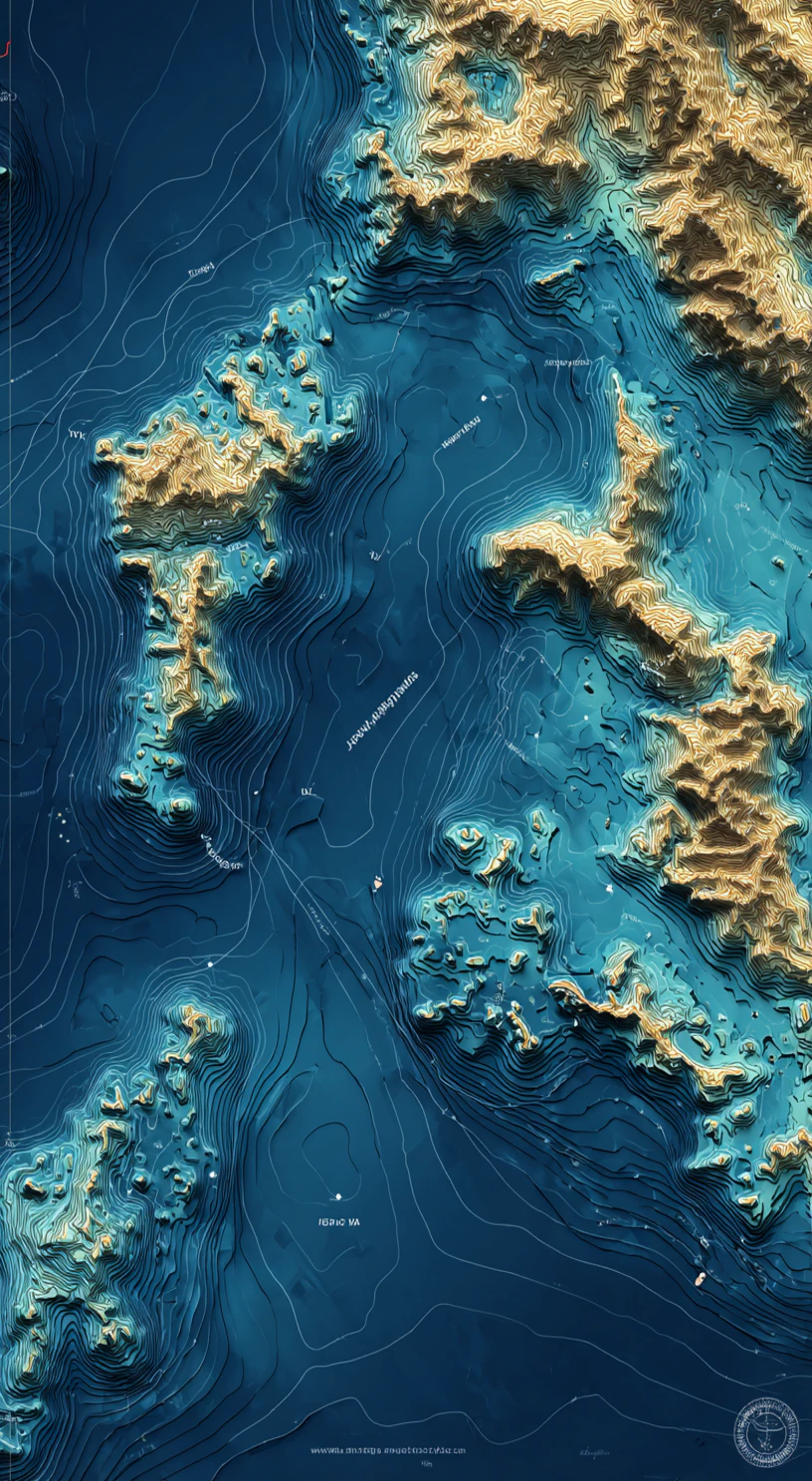
World base map
Covers the world with coastlines, islands, land, roads and place names. It works offline up to zoom level 7.
Regional maps
Add detailed regional mapping up to zoom level 11 and offline data for Marine and Navigation views: bathymetry, depth contours, depths, seamarks and local POIs.
Route calculation without internet
Android also downloads an offline routing graph. When the required data is ready, Route mode can calculate the route locally without connecting to the server.
Prepare before departure
- 1
Connect the phone to the internet and open the Route panel.
- 2
Check the world base map and offline routing graph status.
- 3
Download the required region and wait for completion and validation.
- 4
Before departure, enable airplane mode and test the map and a sample route.
The region list shows whether a pack is available, downloading, installed, active or needs an update. Not every planned region must already be downloadable.
Offline maps support operation when coverage is lost. Keep the appropriate current navigation materials required for the voyage.